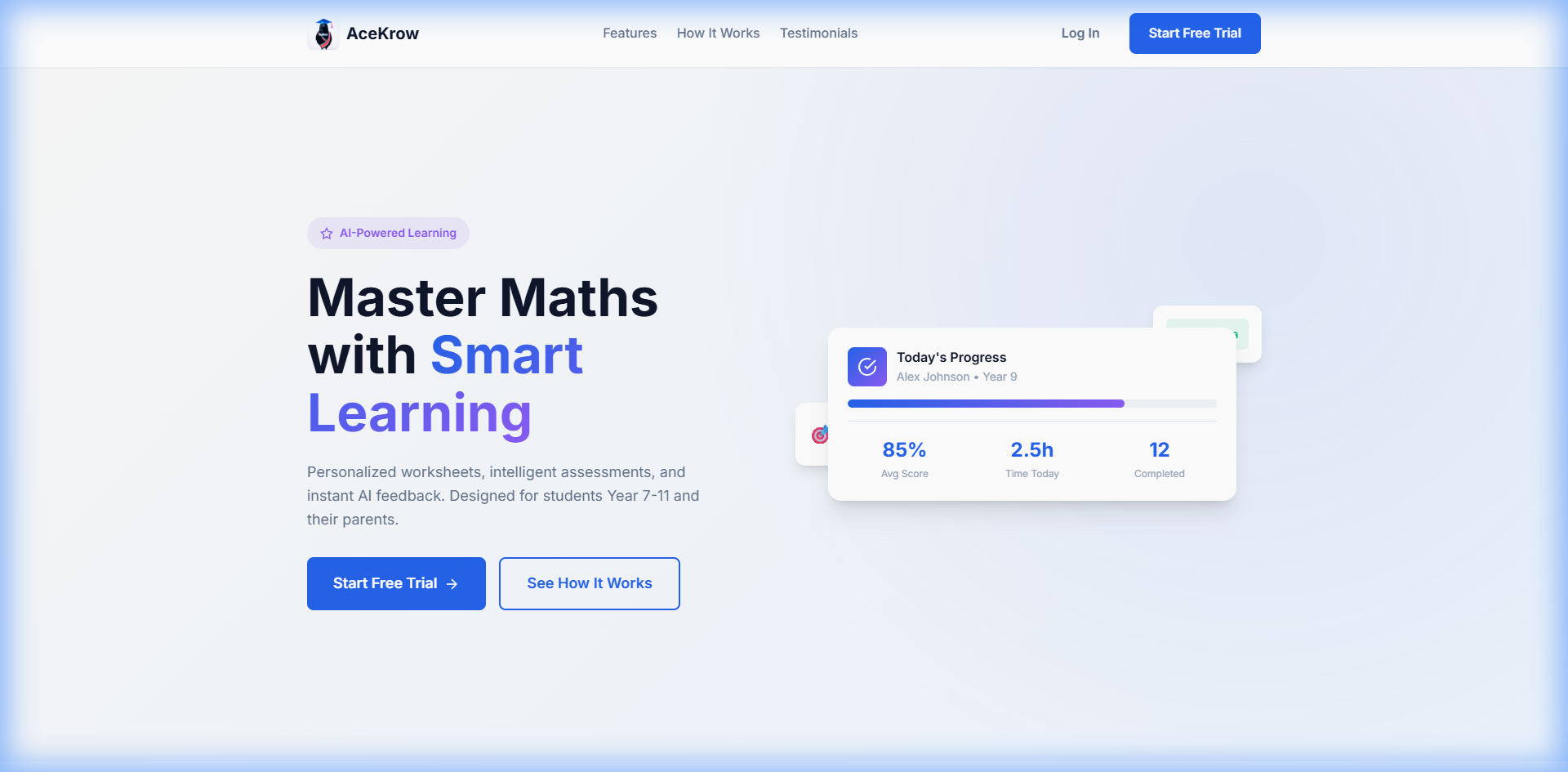
Confident GCSE Maths, one worksheet at a time
AceKrow builds personalised Maths worksheets for your child’s year, exam board and tier — then marks their handwritten working step by step, so you can see exactly where they’re strong and where they need a hand. No maths degree required.
- All major exam boards
- Foundation & Higher
- Cancel anytime
Practice that fits your child — and marks itself
AceKrow does the tricky bits for you: the right questions for their year and board, honest step-by-step marking, and a clear view of how they're getting on. Here's what's inside.
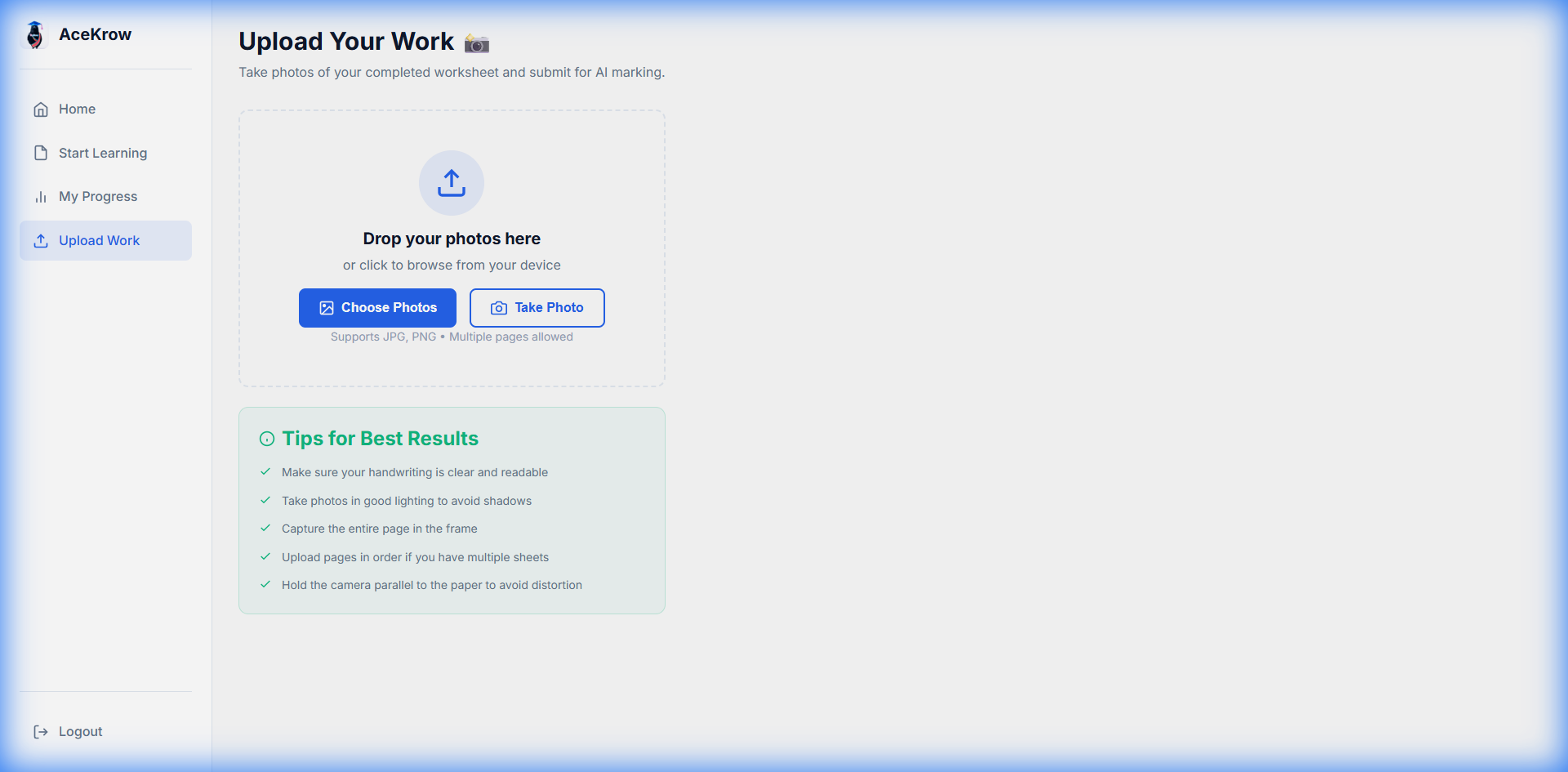
Snap their working, get it marked properly
Take a photo of completed work and AceKrow marks the full method — working, presentation, calculation accuracy and final answer — not just whether the last number is right. Re-mark on Lenient, Standard or Strict.
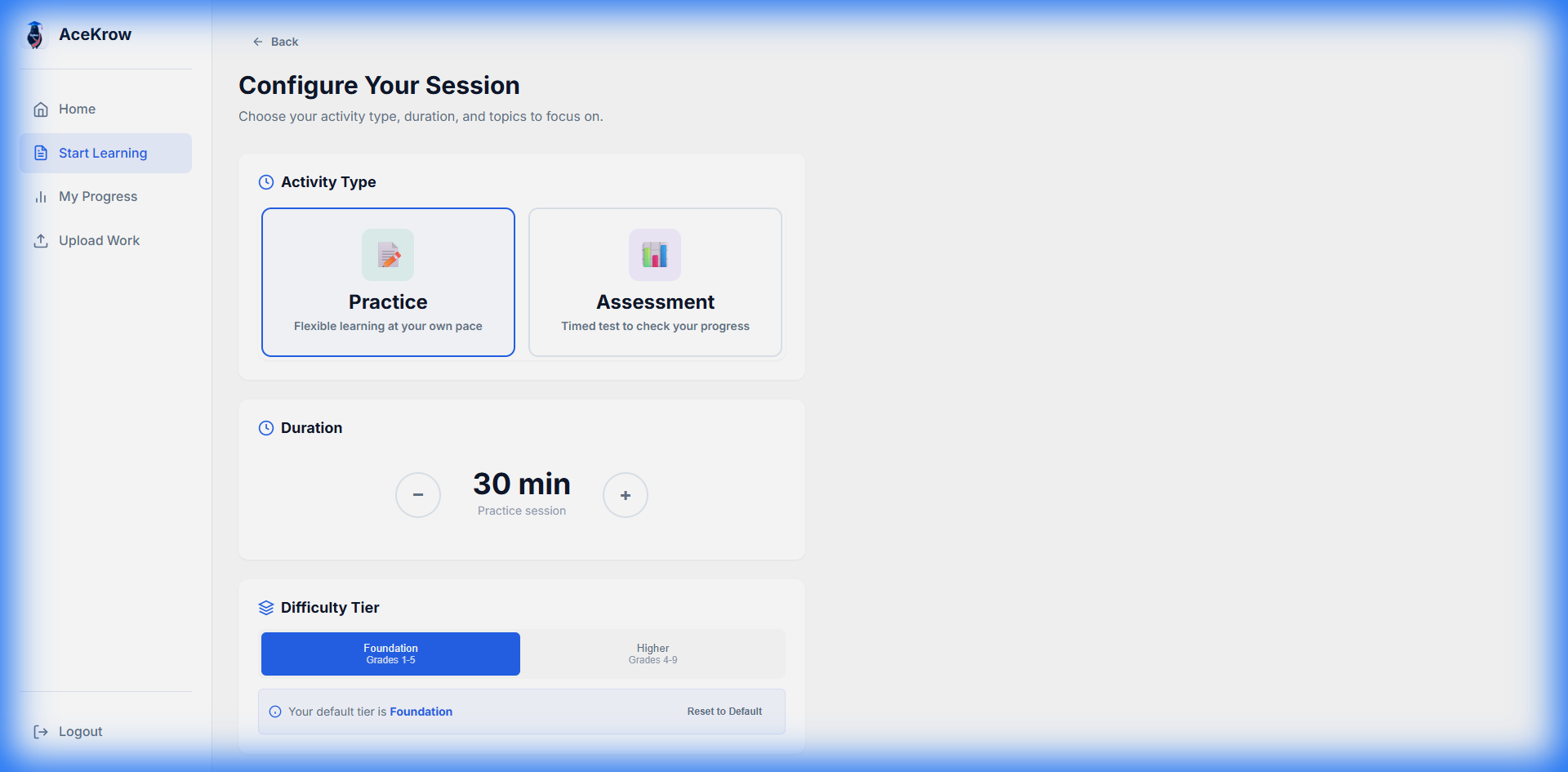
Worksheets made for their year, not any child's
Choose the year (7–11), tier, exam board and topics from a structured Learning Path, and a tailored worksheet is ready in seconds. Download it as a PDF, Word document or Markdown.
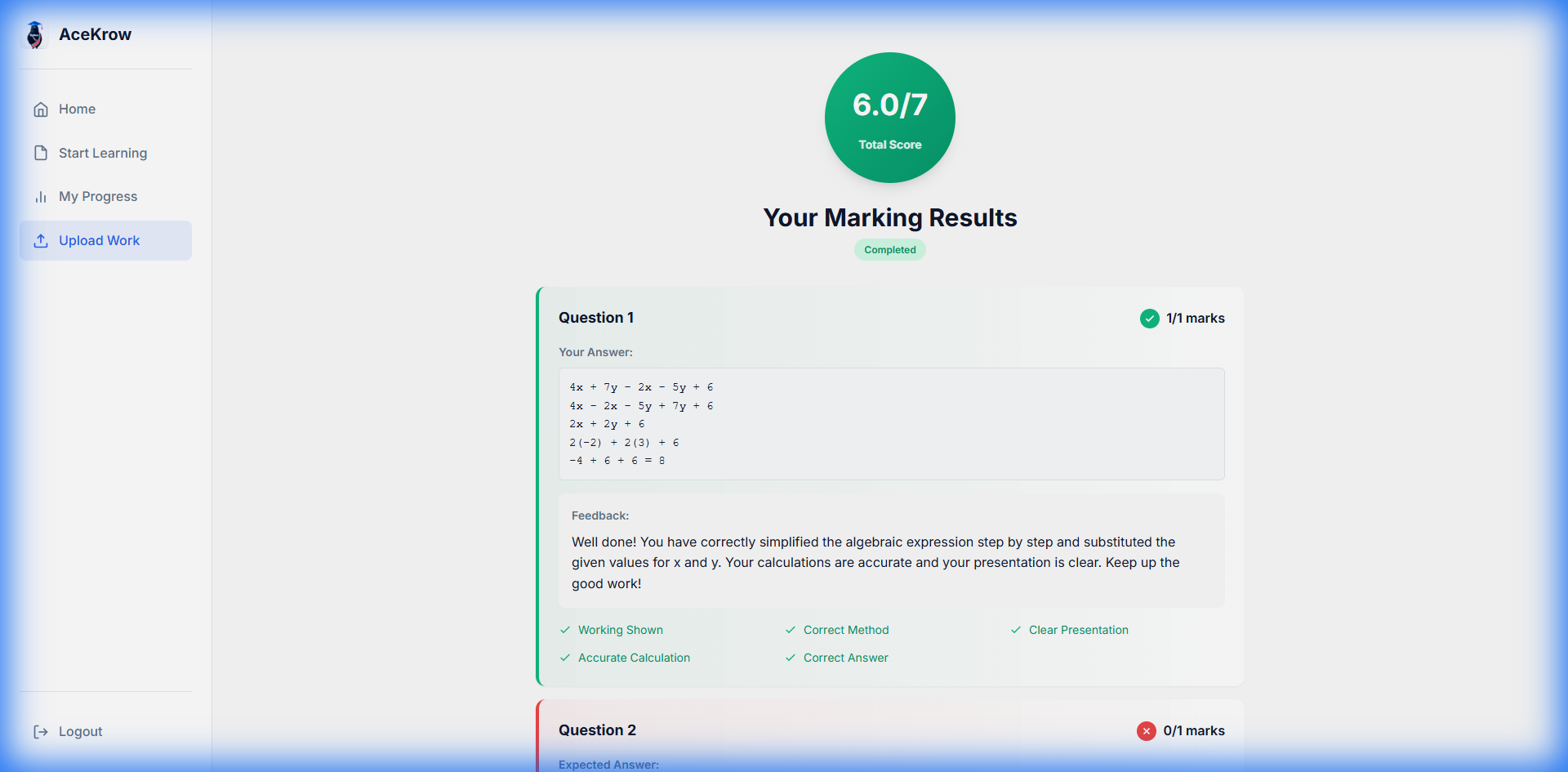
You always have the final say
Review every question side by side with the photo of your child's work, and change any mark if you disagree. Switch to "View as Student" to see exactly what they see.
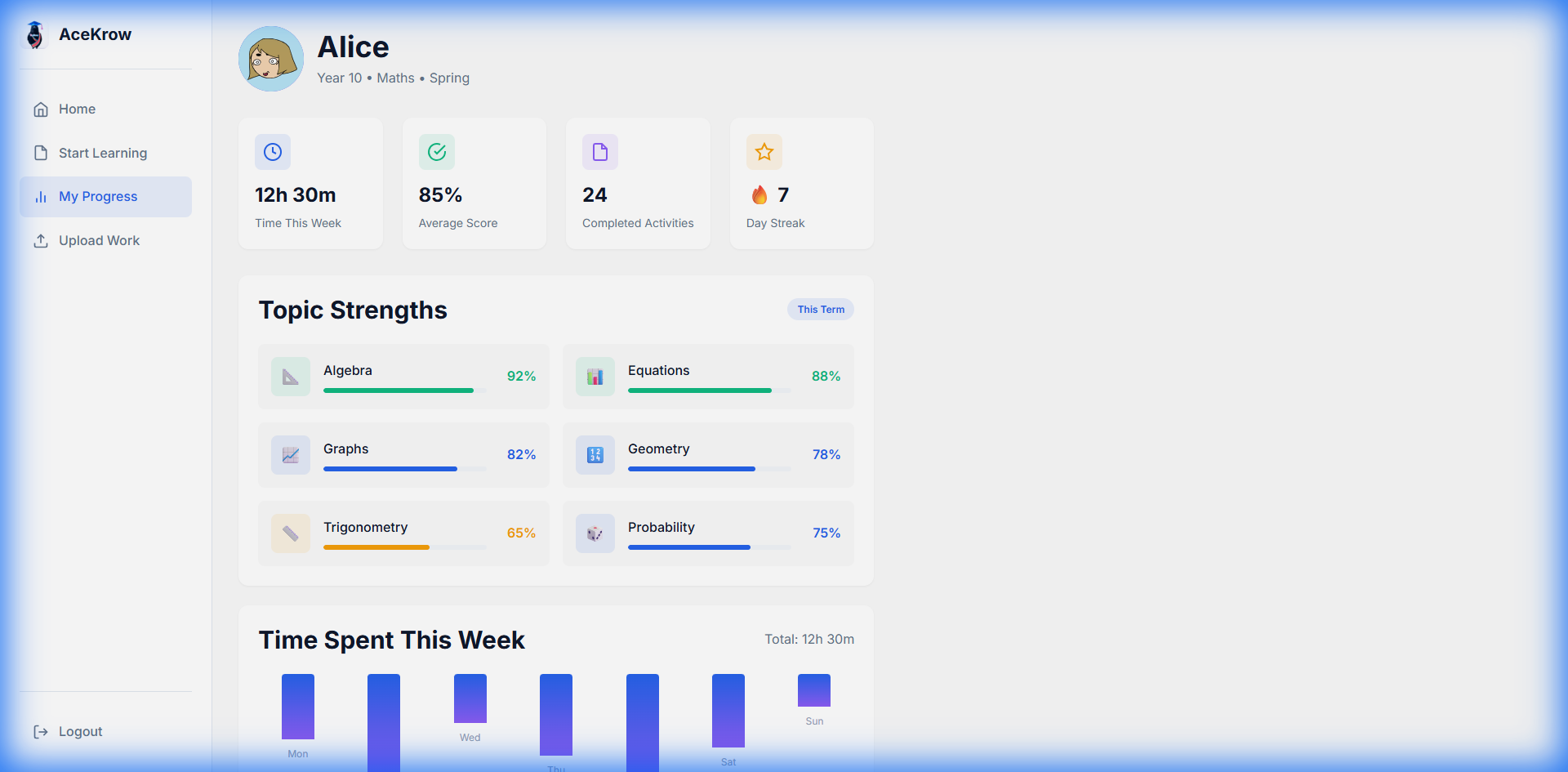
See how they're really getting on
Track streaks, average scores and practice time on the dashboard, and watch mastery build chapter by chapter along the Learning Path. Download a PDF report to share with a tutor or teacher.
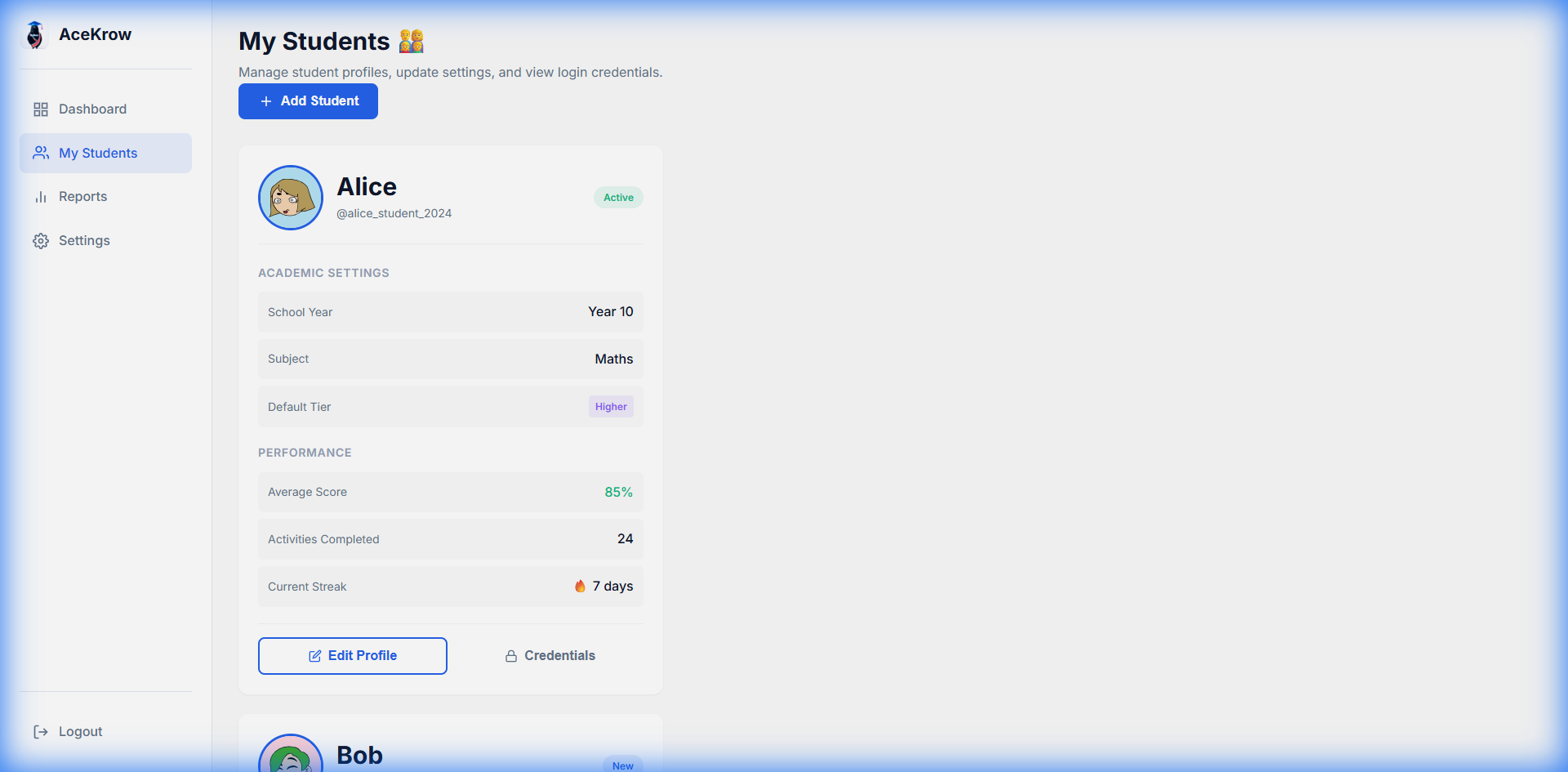
One account for the whole family
Add more than one child under a single Family Pro account, each with their own profile, avatar, Learning Path and progress. No more juggling logins.
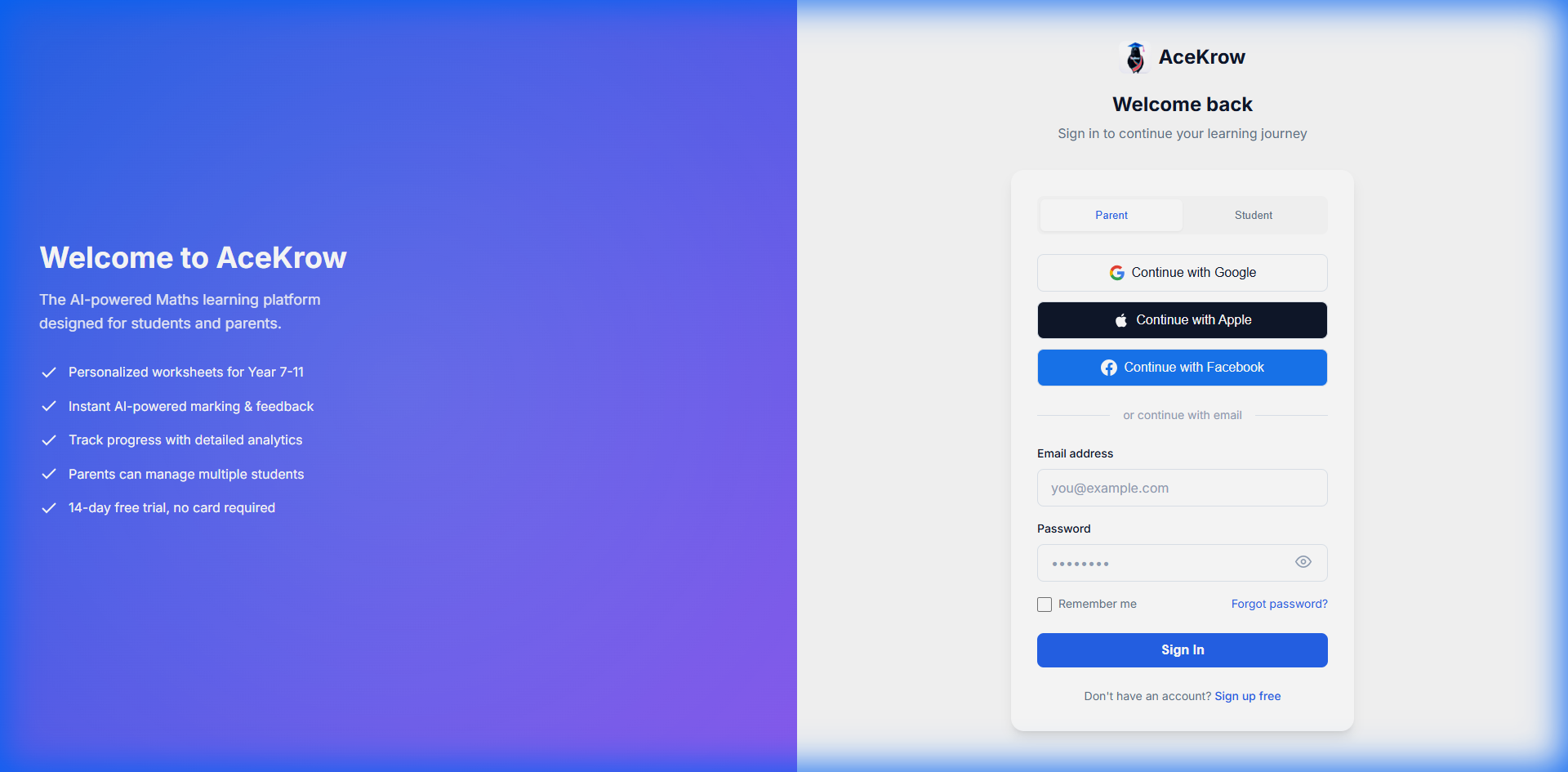
Simple for children, safe by design
Your child signs in with a friendly username and password — no email address needed. You stay in control with parental settings to reset or disable their access.
Mapped to the curriculum they're actually sitting
AceKrow covers AQA, Pearson Edexcel, OCR, WJEC/Eduqas and CCEA, at Foundation and Higher tier, organised by school term.
- Number
- Algebra
- Geometry
- Measures
- Statistics
- Trigonometry
- 5 exam boards
- Years 7–11
- Foundation & Higher
- 6 topic areas
From set-up to marked in six simple steps
No lengthy onboarding and no guesswork. You can be up and running today.
Create your account
Set up your Family Pro account in a couple of minutes — no contract, cancel anytime.
Add your child
Create a profile with their year, exam board and tier so every worksheet fits them.
Choose an activity
Pick topics from the Learning Path and set up a Practice or Assessment session.
Download and complete
Download the worksheet as a PDF, Word or Markdown file for your child to work through on paper.
Upload for marking
Snap a photo of their working and AceKrow marks it step by step.
Review and track
Check the marks side by side with their work, adjust if needed, and watch their progress build over time.
One price. Your whole family.
Everything AceKrow offers, for every child in your home, on one straightforward monthly plan. No contract, no catches.
- No contract
- Cancel anytime from a secure billing portal — no lock-in, no cancellation calls.
- Every exam board
- AQA, Pearson Edexcel, OCR, WJEC/Eduqas and CCEA, at Foundation and Higher tier.
Family Pro
For the whole family, cancel anytime.
- Personalised worksheets for every year, tier and exam board
- Step-by-step AI marking of handwritten working
- Multiple children on one account, each with their own profile
- Practice and Assessment modes, from 15 minutes to full exam conditions
- Progress dashboards and downloadable PDF reports
- Parental controls and full mark override
No contract. Cancel anytime. All major exam boards, Foundation and Higher.
Everything you need to know
If your question isn't here, email us at support@acekrow.com and we'll help.
Yes. AceKrow supports AQA, Pearson Edexcel, OCR, WJEC/Eduqas and CCEA at both Foundation and Higher tier. Content is mapped to the national curriculum and organised by school term, so practice matches what your child is actually studying.
AceKrow marks the whole solution — method, presentation, calculation accuracy and the final answer — rather than just checking the last number. You can re-mark any piece of work as Lenient, Standard or Strict, and you can review and override any mark yourself, side by side with the photo of your child's working.
Practice mode is self-paced, from 15 to 120 minutes, for building confidence on chosen topics. Assessment mode runs under exam conditions, from 30 to 120 minutes, and is marked against a marking scheme so your child can practise the real thing.
As much as you like. Review each question against the uploaded image, override marks, and use "View as Student" to see what your child sees. Your dashboard shows streaks, average scores and practice time, the Learning Path shows chapter-by-chapter mastery, and you can download a PDF report for a tutor or teacher.
Photos or scans of completed work as JPEG, PNG or PDF, up to 10 pages or 10MB per upload.
Yes. AceKrow uses enterprise-grade security on Microsoft Azure and follows UK data protection rules. Students sign in with a username and password — no email address required — and you can reset or disable their access at any time. Student data is retained for 12 months and can be deleted on request.
Take the worry out of GCSE Maths practice
Personalised worksheets, honest marking and a clear picture of your child’s progress — all in one place, for the whole family.
Get startedNo contract · Cancel anytime